Completed Commissions
-
- 3 Downloads
-
- 0 Downloads
-
- 0 Downloads
-
- 0 Downloads
-
- 0 Downloads
-
- 1 Downloads
-
- 2 Downloads
-
- 0 Downloads
-
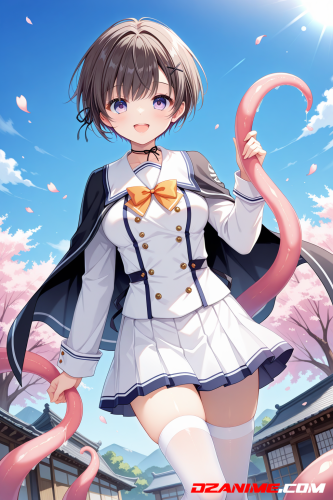
Yasaka (Tentacles)
Free
- 3 Downloads
-
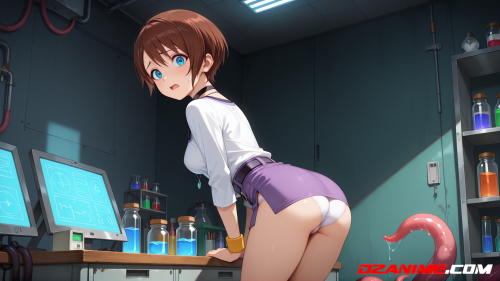
Kairi - Tentacles
Free
- 2 Downloads
-
- 3 Downloads
-
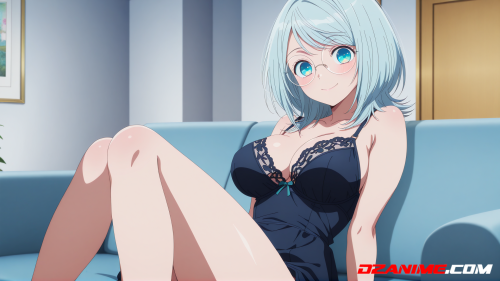
Yura Katayose
Free
- 3 Downloads


Special Edits
13 files
-
- Free
- 1 Downloads
Submitted -
- Free
- 2 Downloads
Submitted -
- Free
- 1 Downloads
Submitted -
- Free
- 2 Downloads
Submitted -
- Free
- 2 Downloads
Submitted -
- Free
- 2 Downloads
Submitted -
- Free
- 3 Downloads
Submitted -
- Free
- 3 Downloads
Submitted -
- Free
- 3 Downloads
Submitted -
- Free
- 2 Downloads
Submitted -
- Free
- 4 Downloads
Submitted -
- Free
- 2 Downloads
Submitted -
- Free
- 2 Downloads
Submitted
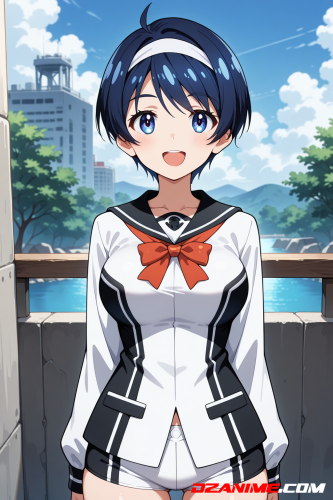

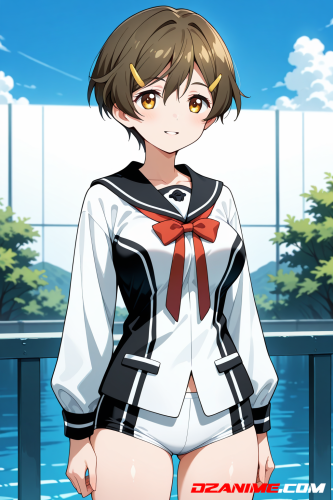
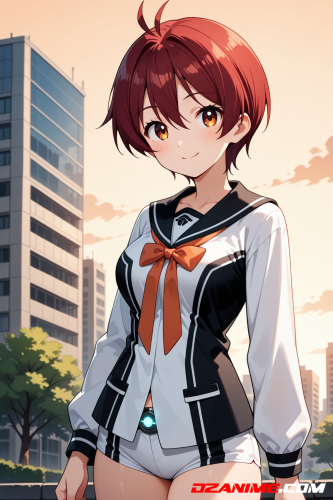
NSFW Releases



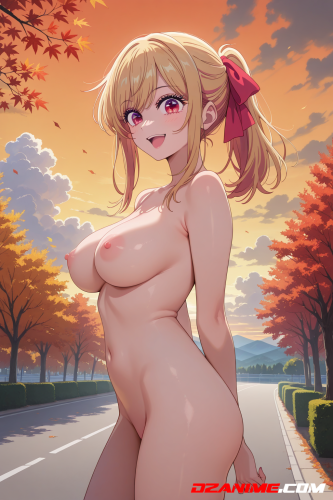


SFW Releases
-
Kairi - SFW
Free
- 0 Downloads
-
Sailor Mars SFW
Free
- 0 Downloads
-
Sailor Moon SFW
Free
- 0 Downloads
-
Sailor Pluto SFW
Free
- 0 Downloads
-
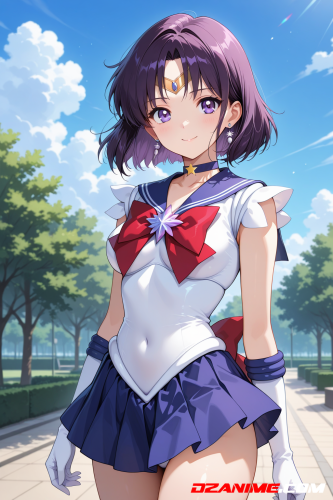
Sailor Saturn SFW
Free
- 0 Downloads
-
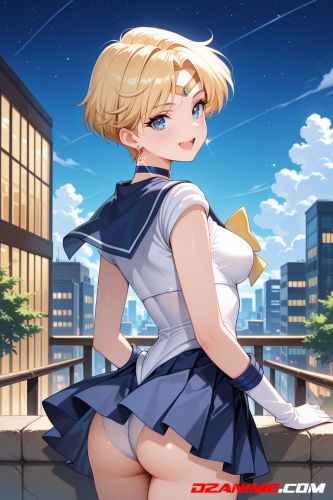
Sailor Uranus SFW
Free
- 0 Downloads
-
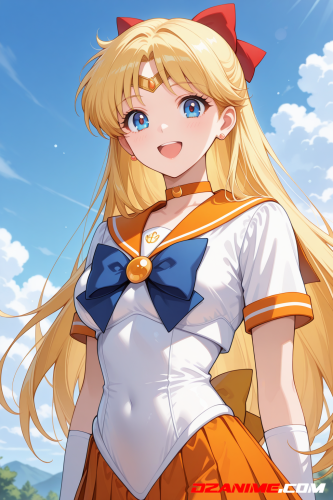
Sailor Venus SFW
Free
- 0 Downloads
-
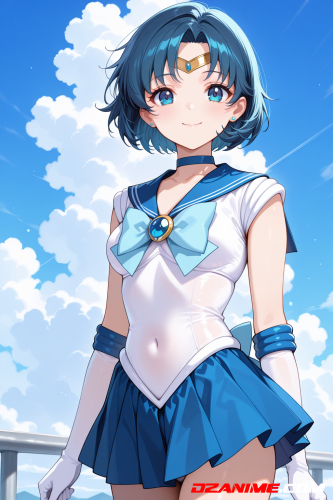
Salior Mercury SFW
Free
- 0 Downloads
-
Salior Neptune SFW
Free
- 0 Downloads
-
Salior Jupiter SFW
Free
- 0 Downloads
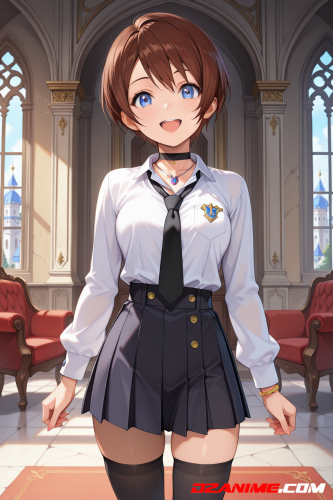
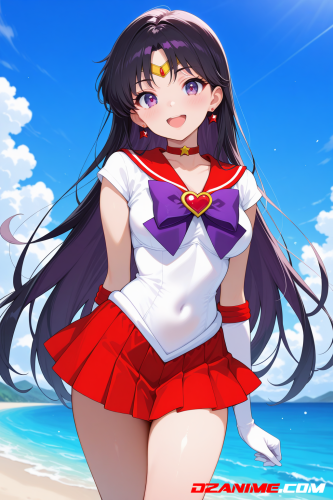
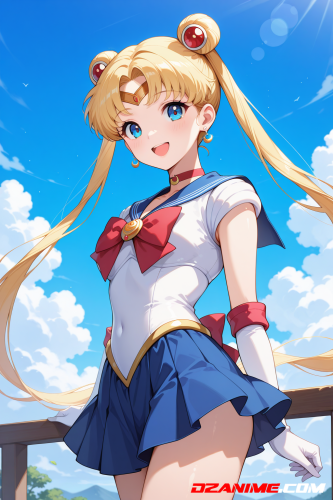
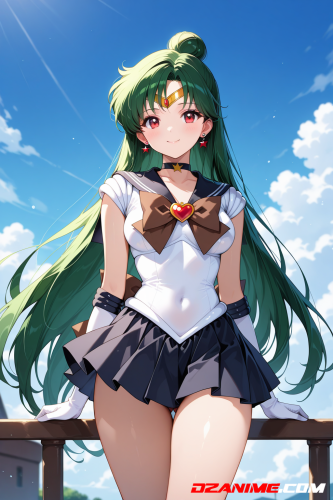
Project Seyra OC's
-
- 0 Downloads
-
- 1 Downloads
-
Sakura - Uniform Set
Free
- 0 Downloads


Special Edits - NSFW


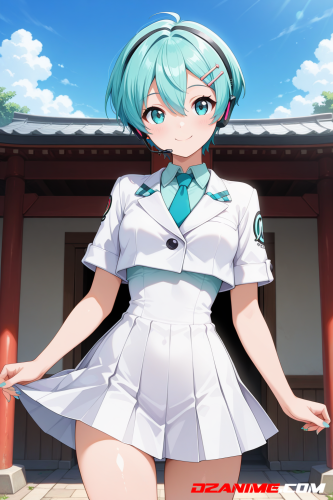
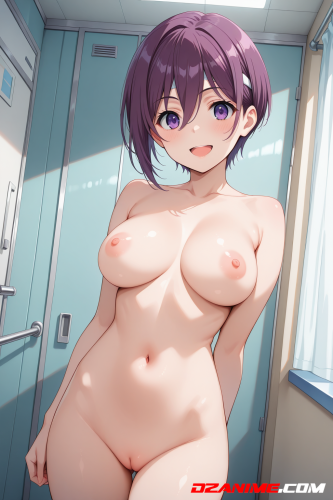
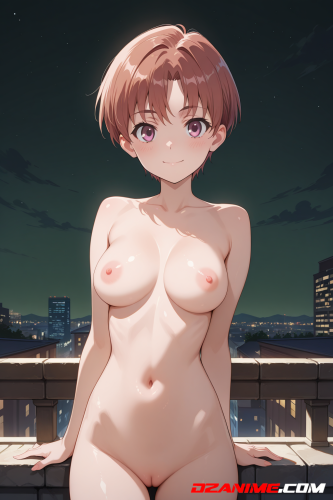
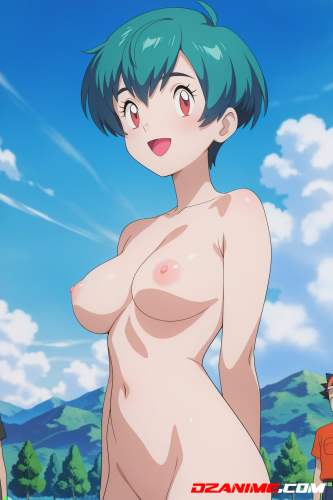
Special Edits
-
Mitori Kouzaki SFW
Free
- 1 Downloads
-
- 2 Downloads
-
- 1 Downloads
-
- 2 Downloads
-
Touko Short Hair
Free
- 2 Downloads
-
- 2 Downloads
-
- 3 Downloads
-
Marron Short Hair
Free
- 3 Downloads
-
Ray akaba Short Hair
Free
- 3 Downloads
-
Himawari Short Hair
Free
- 2 Downloads
Wallpapers 1920x1080
-
Yasaka Wallpaper
Free
- 1 Downloads